Introduction to Videography - 3 day (ASC187)
–About Introduction to Videography - 3 day (ASC187)
Learn the art and techniques of videography and develop your ideas from filming, editing and exporting your finished project.
What will you learn on this course?
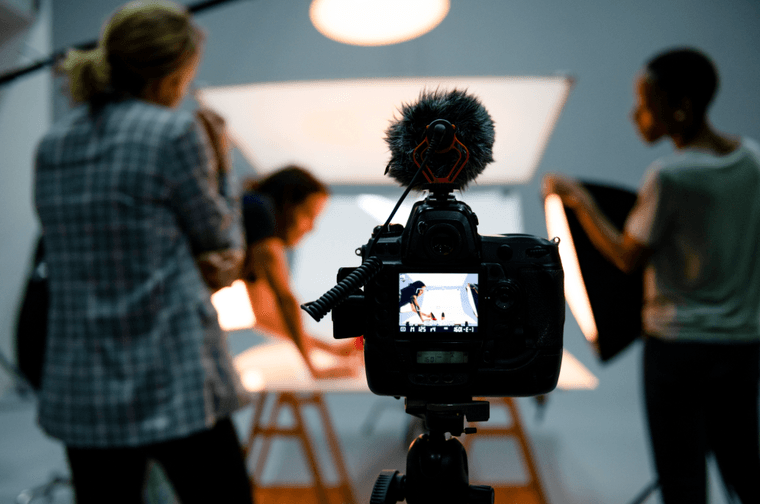
Videography is a small-scale hands-on style of video production that doesn’t require a large crew or a big filmmaking set-up. Typically geared toward live events, social media projects or weddings among others, it is a hugely creative.
On this 3-day short course, you will learn all the necessary skills to make a short video. You will experience the entire process and learn the following skills:
• Developing ideas
• Filming
• Editing
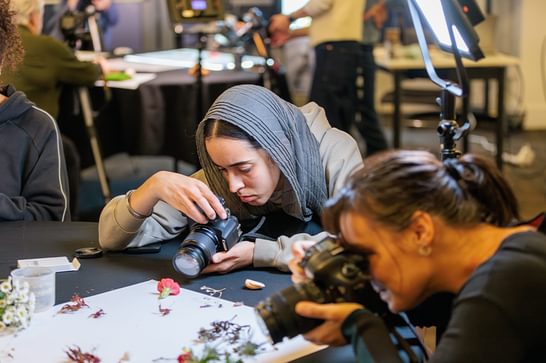
This is a practical course taught through demonstrations and guidance from the tutor along with hands on activities. Across the three weeks, you will experience the entire process of making a video. Session 1 will focus on filming tasks and techniques, session 2 will examine practical video editing and post production and session 3 will allow you to finish and export your piece to a professional standard.
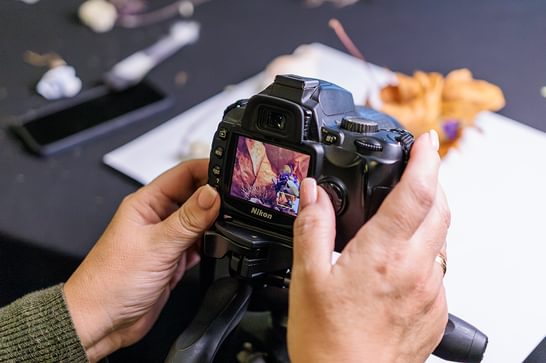
You will work with MAC’s professional cameras and specialist sound recording equipment to shoot your videos, and learn how to edit in MAC’s dedicated Media Studio using iMAC computers and Adobe Premiere Pro software.
On completion of this course, you can expect to have developed an understanding of the video making and editing processes, and have produced your own short video.
Who is this course for?
This course is suitable for adults aged 18+ years. It is aimed at beginners who would like to develop their videography skills. You must be confident in using a computer and possess basic computer skills.
At the heart of MAC is a focus on accessibility and inclusion. Please contact us to discuss your specific access needs. The room is wheelchair accessible. A personal assistant or companion must book a complimentary ticket if attending to provide support.
Do you need to bring anything?
Please bring a 32GB USB stick or external hard drive so that you can take your work home. MAC cameras and computers are provided whilst on site only. If you wish to film off site between sessions, you will need to provide your own equipment.
All edited material will be filmed in the session, you don’t need to bring any footage with you. However, you can bring existing footage you have shot recently if you wish.
Are there any additional costs?
All materials are provided. A memory stick must be provided at your own cost.
Who teaches this course?
Rebecca Crowley